OS: Microsoft Windows 10 or later: 32/64 bit or higher CPU: Intel® CoreTM i3 or later RAM: 2GB RAM or higher Screen resolution: 1280 x 720 or higher
2. System configuration before programming
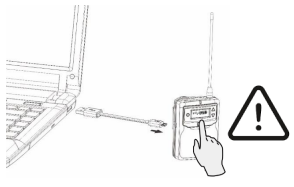
CON-9T/H/R: Micro-USB to USB-A programming cable required. Enter device programming mode by pressing the power button on the CON-9 while connected to the computer.
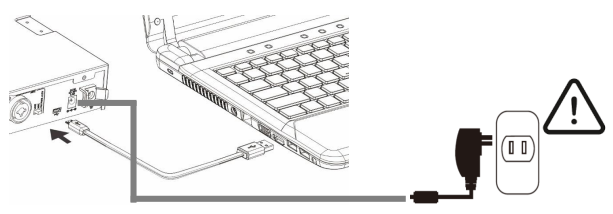
DST-CON(-D) stationary transmitter: Micro-USB to USB-A programming cable required. Make sure the stationary transmitter is powered on when programming.
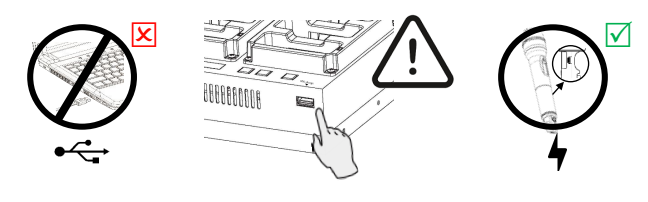
CHG-24 Charger: UNAVAILABLE: The USB-A port in the CHG-24 is for microphone charging only.
Do not connect the USB-A port to a computer for the purpose of programming.
3. Install OK-CON-SW on your computer
STEP 1
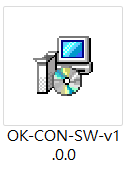
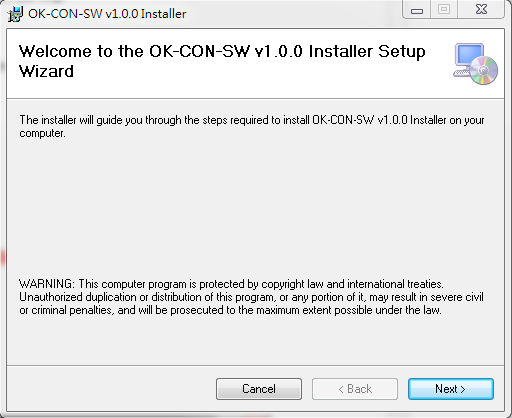
Double-click the OK-CON-SW installation file to start.
STEP 2
Click next to continue.
STEP 3
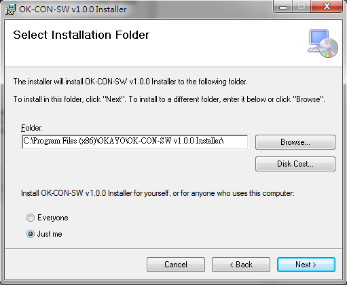
Define the saved folder on your computer and click next to continue.
STEP 4
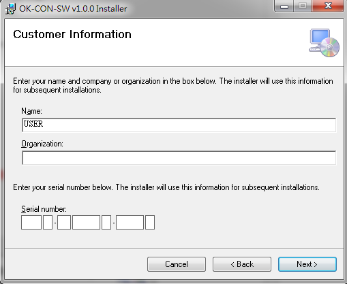
Enter your authorized serial number and click next to continue.
STEP 5
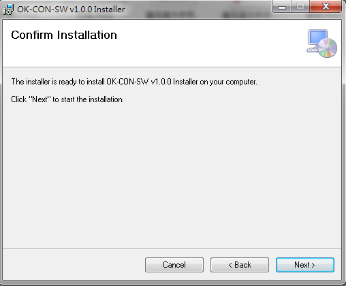
Click next to start the installation.
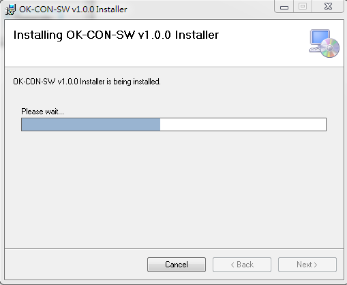
STEP 6
Installation is in progress.
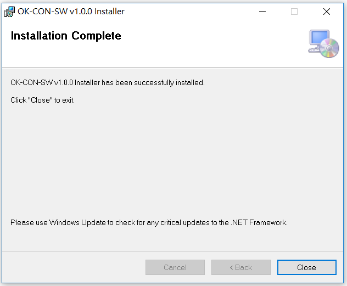
STEP 7
Click close to complete the installation.
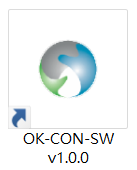
STEP 8
In-house OK-CON-SW software is ready.
4. Software interface
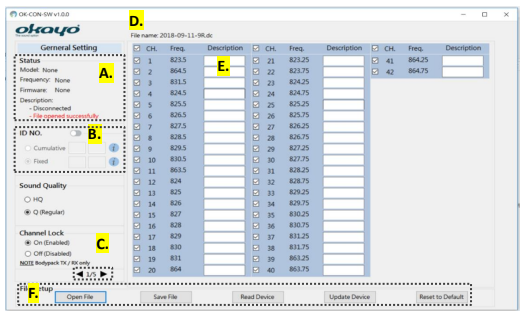
A. Connected device status.
B. Individual identification numbersN1: It is possible to combine two (2) ID numbers.
Cumulative ID: Each time the Update Device button is pressed, the number will increase by 1. Perfect for tour operators and the equipment rental market.
Fixed ID: The numbers will remain unchanged after pressing the Update Device button. Perfect for the hearing aid/audio description sector.
C. Various device settings are available. Click ► to preview and adjust the device settings.
• CON-9R receiver
• CON-9T transmitter
• CON-9H microphone
• DST-CON(-D) stationary transmitter
*PTB – Press to turn on the microphone, press again to mute. **PTT – Press and hold the button to talk. ***PTM – Press and hold the button to mute the microphone.
D. Only selected channels will appear on devices (✓). E. Build a custom channel name as preferred. F. File configuration • Open file: Open a previously saved file (.dt). • Save file: Save current device settings and channels (.dt). • Device reading: Reading connected device. • Update device: Update device settings and channels on the connected device. • Restore default: All device settings, except for ID number, will be reset to default valuesN2
N1 Max. 4 characters can be defined as ID number. Please see the rules below. • First 2 characters: Letters or numbers. • Last 2 characters: Only numbers. • For Cumulative ID, only the numbers in the last 2 characters are incremented. N2 After clicking the Reset to Default button you must select the Update Device button.
5. Troubleshooting
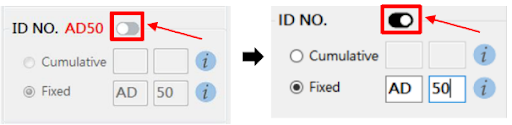
Why can’t I compile ID numbers? Enable this setting as shown below to start the build.
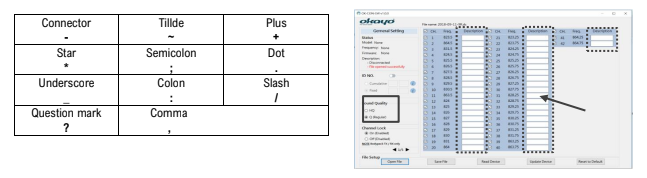
Why can’t I rename channels?
Make sure you have selected “Q” sound quality.
The length of the letters varies by language.
Only the punctuation marks listed below are allowed.